
Stay present
Let people focus on the conversation instead of dividing attention between listening and taking notes
Hera for Teams
Equip your team with Hera hardware and a managed AI workspace for transcripts, summaries, action items, search and Ask Hera

Built around the conversation
Hera helps each person stay engaged in the moment, and gives the organization a clear way to manage access, seats and devices
Let people focus on the conversation instead of dividing attention between listening and taking notes
Convert long conversations into clear summaries, decisions and next steps
Return to the transcript, speaker or source moment without replaying the entire recording
Hera Team at a glance
Each member keeps a focused Hera workflow, while administrators manage the organization through one team workspace and contract cycle
Bring members, seats and devices into one organization-managed workspace
Keep subscription terms and payment status under one business agreement
Invite, deactivate and reassign available seats as the team changes
Maintain visibility over the Hera devices connected to the organization
Keep team access aligned to one contract period instead of separate employee renewals
Give administrators a clear view of organization and member usage
Made for real work
From client calls to internal training, Hera keeps the original context connected to the outcome



One simple workflow
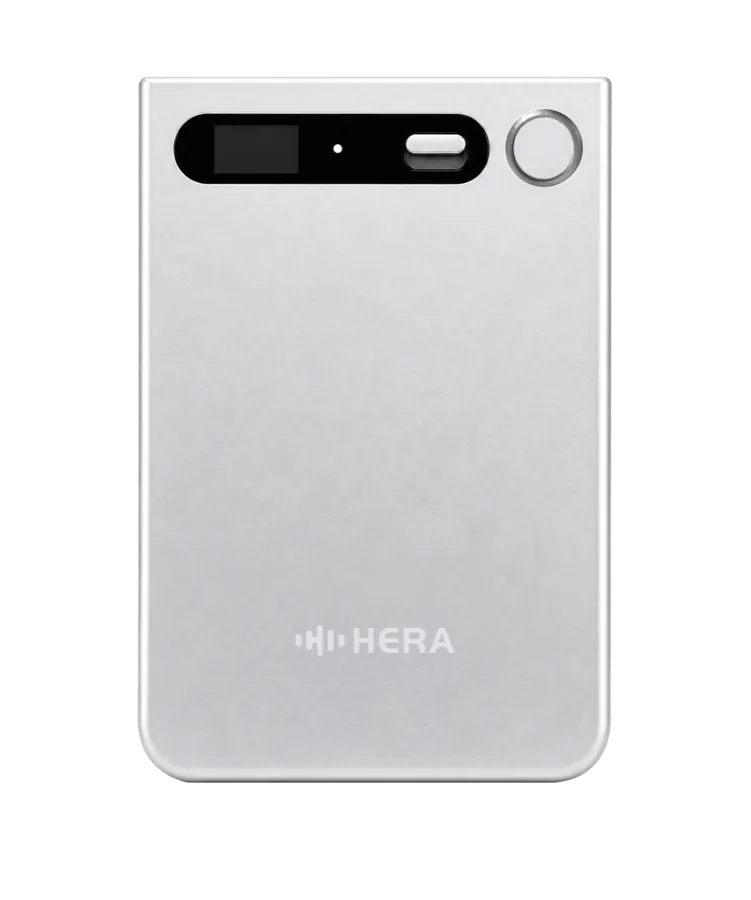
Record meetings, calls and conversations with Hera hardware
Transfer recordings to the Hera App through Bluetooth or Wi-Fi
Create concise summaries, decisions and action items
Ask AI questions and uncover details that matter
Build searchable memory that stays useful after the meeting
For every member
Usage is subject to the selected team plan, fair use and reasonable technical limits.
For team administrators
Exact controls are defined by the current Hera Team release and business agreement.
A simpler rollout
Flexible pricing for multi-device orders
Discuss setup, onboarding and deployment requirements
Ask about shipping directly to different team members
Confirm stock, destinations and target timing before purchase
Enterprise data security
Hera is designed so your enterprise conversations remain under your organization's control. Hera does not retain enterprise data, and your team decides when data is captured, synchronized, accessed, exported or deleted
Hera does not retain your organization's enterprise conversation data
Your organization determines who can access its recordings, transcripts and AI outputs
Your team remains in control of data synchronization, export and deletion workflows
Team members remain in control of when recording starts and stops
FAQ
Hera Team is licensed by active seat under one organization agreement. Individual users who do not need the team workspace can continue to use an individual Hera plan.
Multi-address fulfilment is available. Include the destinations and quantities in your request so Hera can confirm the arrangement.
You can begin with a smaller order and expand after your team has tested the workflow.
Administrators can invite or deactivate members, assign available seats and coordinate the organization's seat and device rollout. Exact controls are defined by the current Hera Team release and business agreement.
Talk to Hera
Tell us what the team needs. We will confirm availability, fulfilment options and the most appropriate purchase path